null
Created with Sketch. Created with Sketch.

ROBOTIS IR/PR & Blog

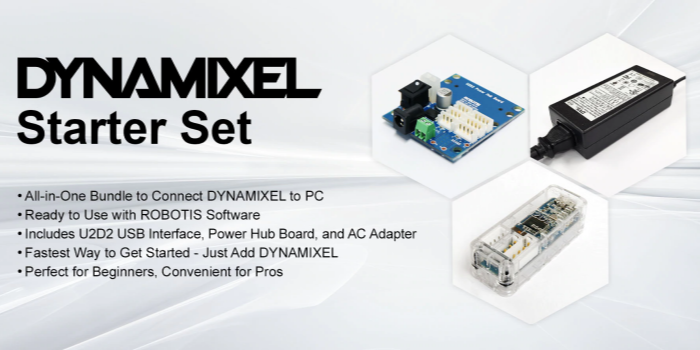
Powering DYNAMIXEL

Powering DYNAMIXEL

4th Jun 2020

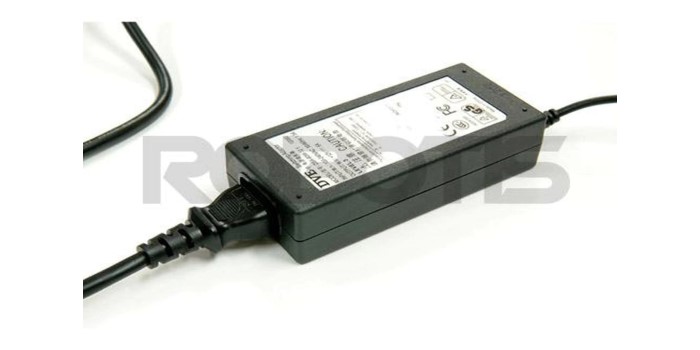
Powering DYNAMIXELsAs an all-in-one motion solution, DYNAMIXEL smart actuators require a minimum of external hardware to create a complete robotic system. Depending on the application, it is possible to begin working with as little as an embedded control board and power supply. All DYNAMIXELs are de
read more
Protocol 1.0 vs. 2.0- Communication Packets

Protocol 1.0 vs. 2.0- Communication Packets

15th May 2020

DYNAMIXEL Protocol 1.0 vs. Protocol 2.0"How do I know I’m sending the right command to my DYNAMIXEL?"Many hobby servos and robotic actuators are controlled through one of two signal styles- analog and digital. Analog servos generally use a specified PWM to command the servo to move to a specific pos
read more
Torque Ratings

Torque Ratings

7th May 2020

"How do I choose the DYNAMIXEL with enough torque for my application?"ROBOTIS produces a wide range of DYNAMIXEL models with different features, sizes, and torque specifications. A common question from users is “How do I know which model has enough torque for my application?”. To find the answer, le
read more
DYNAMIXEL -T & -R?

DYNAMIXEL -T & -R?

30th Apr 2020

A common question from our users is:“What does the -T or -R stand for at the end of the DYNAMIXEL model name?”What is the Difference Between DYNAMIXEL -T and -R?DYNAMIXELs use asynchronous (half-duplex) serial communication, in either a TTL (-T) or RS-485 (-R) physical connection. This asynchronous
read more
VIDEO CONTEST - ENGINEER KIT 2

VIDEO CONTEST - ENGINEER KIT 2

Posted by ROBOTIS INC on 22nd Apr 2020

[How to Participate] Step 1. Film a Product Unboxing or Review Video using the ROBOTIS ENGINEER KIT1 or KIT2. Step 2. Upload on your YouTube Channel *User must include the wording “ROBOTIS ENGINEER KIT Video Contest” in the video title when uploading to YouTube along with the
read more
#ROBOTISTAG EVENT - ENGINEER KIT 2

#ROBOTISTAG EVENT - ENGINEER KIT 2

Posted by ROBOTIS INC on 22nd Apr 2020

[How to Participate] Step 1. Download the attached ROBOTIS ENGINEER KIT2 event promotion image (For smartphones, screen capture the image below) ** Event Promotion Image Step 2. Upload it onto your own Facebook account while tagging ROBOTIS Facebook account : @robotis.company
read more