


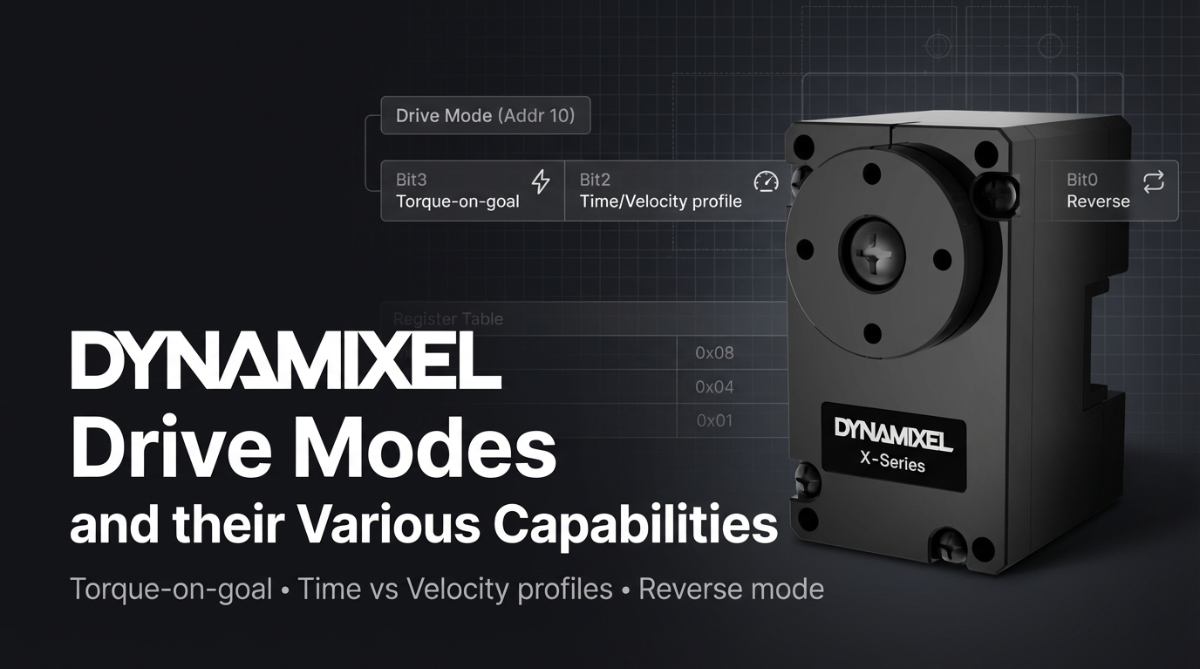
DYNAMIXEL Drive Modes and their Various Capabilities
Posted by Mason Knittle on 13th Mar 2026
DYNAMIXEL X-Series actuators include a Drive Mode setting (Control Table Address 10) that allows users to change how the motor interprets commands. Instead of changing the operating mode itself, Drive Mode modifies how commands behave, making it useful for tuning motion behavior or simplifying system design.
2.4.6 Drive Mode (10)
The Drive Mode (10) register configures how a DYNAMIXEL actuator executes commands. Each bit enables a specific behavior such as automatic torque activation, motion profile generation, or reversing the actuator’s rotation direction.
| Bit | Item | Description |
|---|---|---|
| Bit 7 (0x80) | – | Unused, always 0 |
| Bit 6 (0x40) | – | Unused, always 0 |
| Bit 5 (0x20) | – | Unused, always 0 |
| Bit 4 (0x10) | – | Unused, always 0 |
| Bit 3 (0x08) | Torque On by Goal Update |
[0] Execute command only when Torque Enable(64) = 1 [1] Execute command regardless of torque state. If torque is 0, the actuator automatically enables torque and executes the command. |
| Bit 2 (0x04) | Profile Configuration |
[0] Velocity-based profile: motion generated using velocity [1] Time-based profile: motion generated based on time |
| Bit 1 (0x02) | – | Unused, always 0 |
| Bit 0 (0x01) | Normal / Reverse Mode |
[0] Normal Mode: CCW (Positive), CW (Negative) [1] Reverse Mode: CCW (Negative), CW (Positive) |
Several helpful features can be configured through Drive Mode bits, including Torque On by Goal Update, Profile Configuration, and Normal/Reverse Mode.
Below is a quick overview of what each does, how to enable it, and when it’s useful.

Torque On by Goal Update
Normally, a DYNAMIXEL actuator will only execute motion commands when Torque Enable(64) is already set to 1. If torque is disabled, the command is ignored.
When Torque On by Goal Update is enabled, sending a goal command automatically enables torque and executes the motion command, even if torque was previously off.
How to activate -
This feature is controlled by Drive Mode Bit 3 (0x08).
- 0 – Execute commands only if torque is already enabled
- 1 – Automatically enable torque when a goal command is received
Example (Drive Mode value):
This mode is helpful when:
- You want to simplify command logic in scripts or teleoperation systems
- Sending commands from high-level software (ROS, AI pipelines, etc.)
- Reducing the need to manually toggle torque before each movement
It’s especially useful when quickly issuing commands during interactive control or testing.
Profile Configuration
DYNAMIXEL actuators generate motion profiles using Profile Velocity and Profile Acceleration. These profiles control how smoothly the motor accelerates and decelerates during movement.
Drive Mode allows users to choose between two types of profiles:
- Velocity-based profile
- Time-based profile
How to activate -
This feature is controlled by Drive Mode Bit 2 (0x04).
- 0 – Velocity-based profile
- 1 – Time-based profile
Example:
When to use each
Velocity-based Profile (default)
Movement is generated using maximum velocity and acceleration values.
Best for:
- Robotics applications that need dynamic movement
- Systems where speed control matters
- Mobile robots and arms that respond to changing commands
Time-based Profile
Movement is executed over a specified time duration, regardless of distance.
Best for:
- Synchronized multi-joint motion
- Animations or demonstrations
- Applications where movement should finish in a predictable amount of time
Normal / Reverse Mode
Normal/Reverse Mode changes the direction sign convention of the actuator.
Normally:
CCW rotation = positive value // CW rotation = negative value
When reversed:
CCW rotation = negative value // CW rotation = positive value
How to activate
This feature is controlled by Drive Mode Bit 0 (0x01).
- 0 – Normal Mode
- 1 – Reverse Mode
Example:
Reverse Mode is extremely useful when building symmetrical robot joints, such as:
- Dual-arm robots
- Humanoid shoulders
- Parallel linkages
- Mirrored joint mechanisms
Instead of rewriting control code, you can simply reverse the actuator’s direction in hardware settings.
Quick Summary
| Feature | Bit | Purpose | Typical Use |
|---|---|---|---|
| Torque On by Goal Update | Bit 3 | Automatically enables torque when a command is sent | Teleoperation, scripting, AI control |
| Profile Configuration | Bit 2 | Choose velocity-based or time-based motion profiles | Smooth motion tuning |
| Normal / Reverse Mode | Bit 0 | Invert actuator direction | Symmetrical robot joints |