The hardware behind intelligence

ROBOTIS / Physical AI

Intelligence.
In the
physical world.

From a human demonstration to a robot that acts. Build the connection with DYNAMIXEL, intelligent robotic systems, and CYCLO.

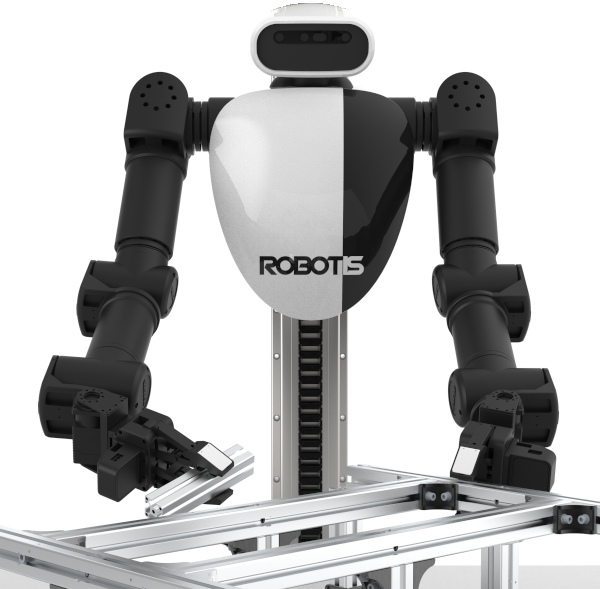
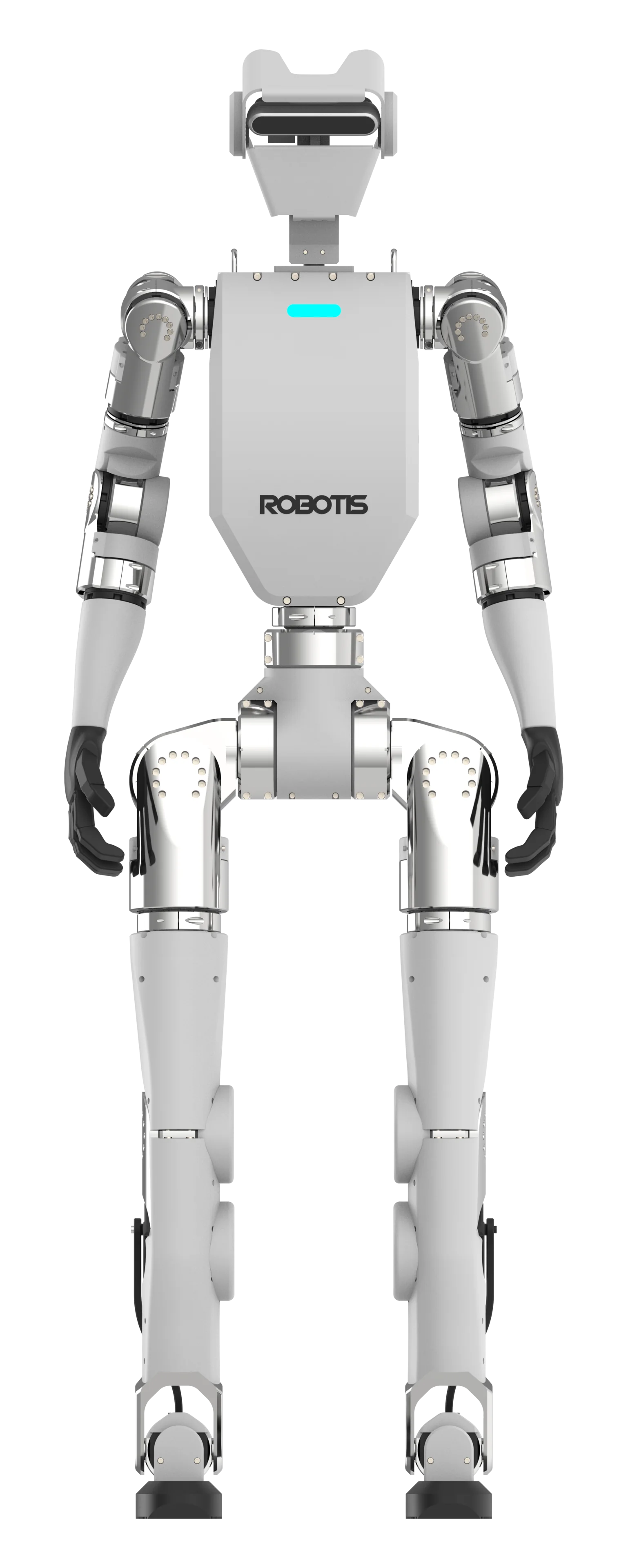
ROBOTIS AI Sapiens K1 humanoid robotAI SAPIENS K1 / DYNAMIXEL-Q
Actuation · Sensing · Learning · ControlScroll to connect the systems ↓

01 / Intelligence needs a body

Learn from the world.
Act in it.

Physical AI connects perception and learned behavior to machines that interact with their surroundings. DYNAMIXEL provides the actuation and feedback that help turn robot commands into physical motion—and physical motion into useful data.

01 / INPUTDemonstrate

Use a teleoperation leader to record human-guided joint motion alongside camera and task observations.

02 / POLICYLearn

Train a policy from demonstrations, or develop behaviors with reinforcement learning in simulation.

03 / MOTIONAct

A robot controller translates the policy's output into actuator commands. DYNAMIXEL executes joint-level motion.

04 / FEEDBACKRefine

Combine actuator state with sensor observations to evaluate behavior, collect more examples, and improve the next iteration.

Select a stage to explore the loop. The learned policy runs in the robot's computing stack; the actuator handles its supported motor-control functions.

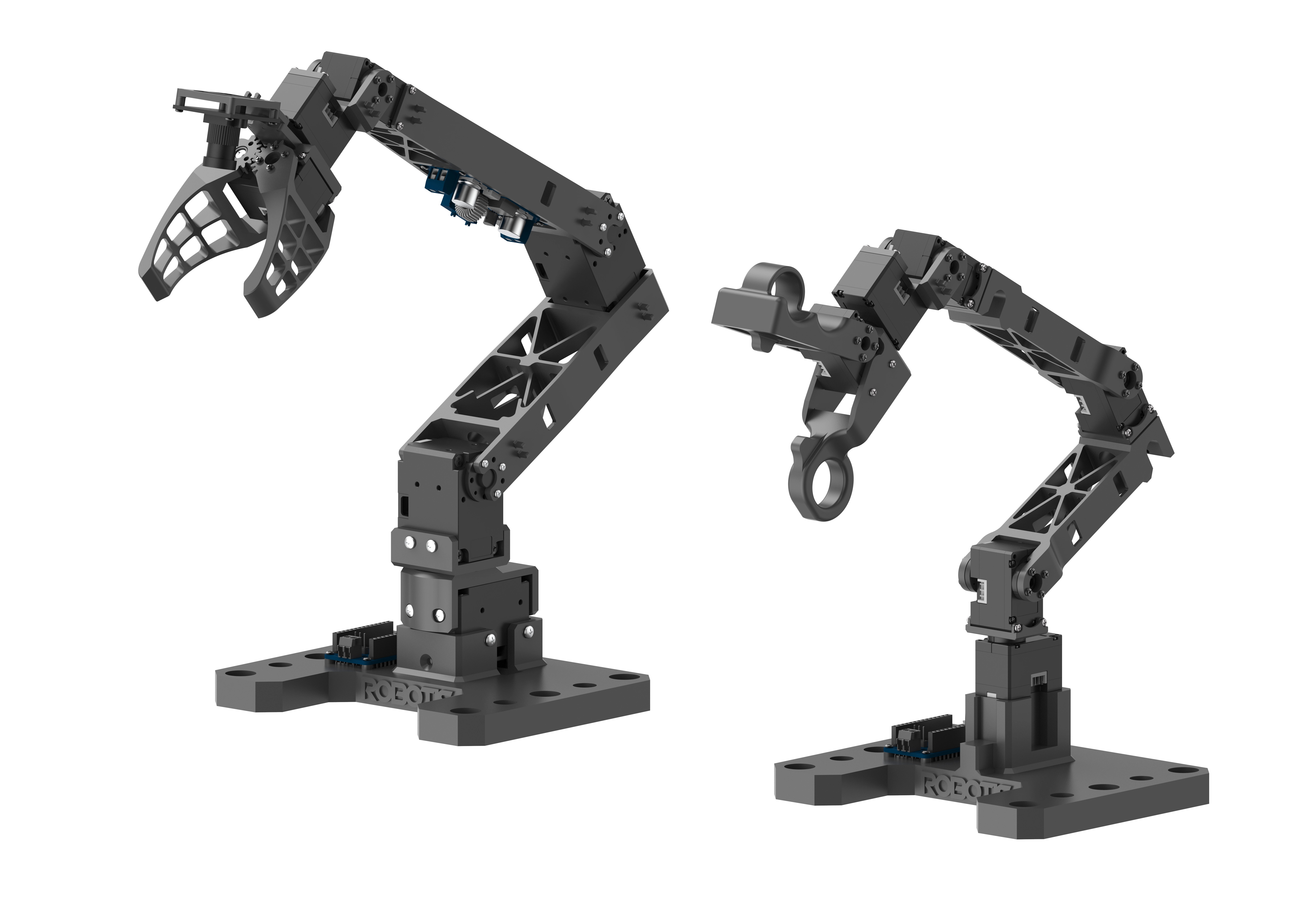
01 / 05ROBOTIS OMX robotic system
ROBOTIS / OMX

DATA COLLECTION

OMX

Start with a demonstration.

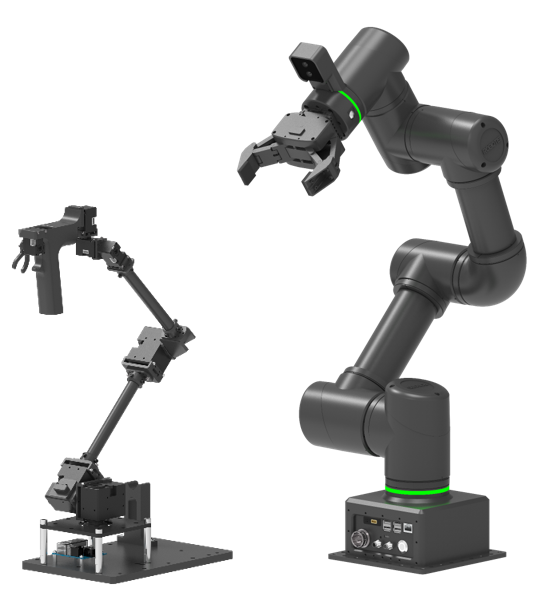
A compact 5-DOF manipulator built on DYNAMIXEL-X. Capture leader–follower demonstrations and begin exploring imitation learning, reinforcement learning, and ROS 2 robotics.

5 DOFDYNAMIXEL-XLeader + follower
Where it fits in Physical AI

Collect repeatable examples of a task. Use those demonstrations as the starting point for learning a robot policy.
Explore OMX documentation ↗
02 / 05ROBOTIS OMY robotic system
ROBOTIS / OMY

ROBOT MANIPULATION

OMY

Build manipulation skills.

A 6-DOF DYNAMIXEL-Y manipulator for Physical AI research and intelligent automation. Move into pick-and-place, assembly, and inspection workflows with modular hardware and ROS 2 integration.

6 DOFDYNAMIXEL-YImitation learning
Where it fits in Physical AI

Connect human demonstrations, policy training, and inference to explore increasingly complex manipulation tasks.

Explore OMY documentation ↗
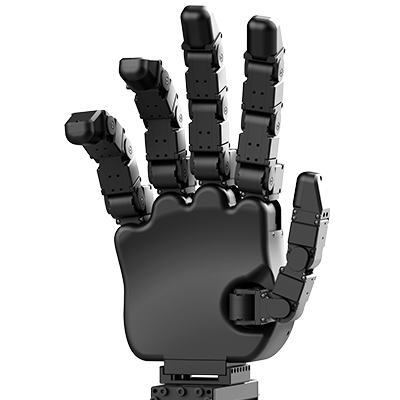
03 / 05ROBOTIS HX5-D20 dexterous robotic hand
ROBOTIS / HX5-D20

DEXTEROUS MANIPULATION

HX5-D20

Give manipulation more dimensions.

A five-finger robotic hand with 20 degrees of freedom and integrated fingertip tactile sensing. Explore how contact information can support grasping and fine object manipulation.

20 DOF5 fingersTactile sensing
Where it fits in Physical AI

Position describes the hand configuration. Fingertip pressure adds information about contact with the object.

Explore HX5-D20 documentation ↗
04 / 05ROBOTIS AI Worker robotic system
ROBOTIS / AI WORKER

MOBILE MANIPULATION

AI Worker

Take skills to the workspace.

A semi-humanoid system combining dual arms and a mobile base. Develop demonstration-driven skills and coordinated manipulation for real-world work environments.

Dual armsMobile baseIL + RL
Where it fits in Physical AI

Bring mobility, perception, and manipulation together. Investigate tasks that require coordinated actions across more than one arm.

Explore AI Worker documentation ↗
05 / 05ROBOTIS AI Sapiens K1 robotic system
ROBOTIS / AI SAPIENS K1

HUMANOID ROBOTICS

AI Sapiens K1

Move with the whole body.

A humanoid platform for motion, learning, and control on real hardware. Connect locomotion, upper-body manipulation, and sim-to-real research with DYNAMIXEL-Q actuation.

HumanoidDYNAMIXEL-QSim-to-real
Where it fits in Physical AI

Develop policies in simulation, then evaluate how they respond to physical contact and real-world dynamics on the robot.

Explore AI Sapiens K1 documentation ↗

03 / The actuation layer

Different tasks.
The right DYNAMIXEL.

Start with what your robot needs to do. Explore compact teleoperation leaders, frequently used research rigs, industrial mechanisms, and humanoid joints.

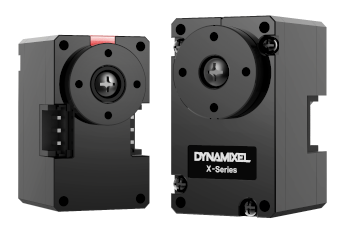
DYNAMIXEL-X330 family shown

DYNAMIXEL-X

XL330 / XC330

Compact, modular options for building teleoperation leaders. Position and motor-current feedback provide useful joint-state information for demonstration capture and control development.

Select the voltage, gearing, and control mode for your mechanism. Motor current is not a direct measurement of contact force.

Explore the X series ↗
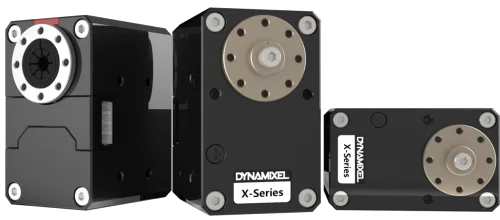
DYNAMIXEL-X family shown

DYNAMIXEL-X

XH430 / XH540

Recommended options for teleoperation leaders used frequently in research and data collection. Explore the XH family when selecting actuators for a more demanding leader mechanism.

Size for the actual joint loads, thermal conditions, gearing, and session duration. These recommendations do not establish a continuous-duty rating.

Compare XH models ↗
DYNAMIXEL-Y family
DYNAMIXEL-Y family

DYNAMIXEL-Y

Built for demanding mechanisms.

Cycloidal-reducer configurations and electric-brake options support research, development, and industrial robot design. Combine precise actuation with a compact joint architecture.

Reducer and brake availability depend on the model. Choose the configuration that matches your mechanism.

Explore DYNAMIXEL-Y ↗
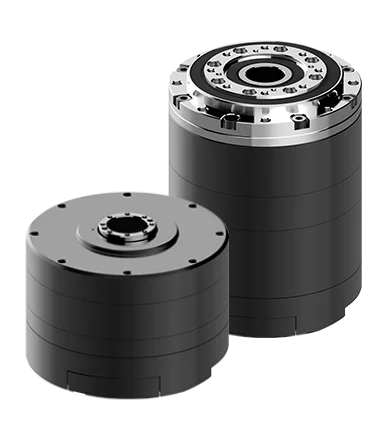
DYNAMIXEL-Q / QC080 preview

DYNAMIXEL-Q / QUASI DIRECT DRIVE

For humanoid motion.

Low-ratio actuation and onboard impedance control make DYNAMIXEL-Q a compelling foundation for humanoid robots and applications that need a tunable response to physical interaction.

Upcoming DYNAMIXEL-Q line · Expected Q1 2027. Preliminary specifications and availability may change.

Discover DYNAMIXEL-Q ↗

Inside DYNAMIXEL-Q control

Define the response.
Not just the destination.

Impedance control lets the controller specify how a joint responds around its target. DYNAMIXEL-Q calculates the commanded torque inside the actuator using position error, velocity error, and feedforward torque.

Read the impedance-control guide ↗
Position gain / Kp

Sets how strongly position error contributes to the commanded torque.

Velocity gain / Kd

Sets the response to the difference between desired and measured joint velocity.

Feedforward torque

Adds a torque contribution calculated by the robot controller, such as model-based assistance.

04 / The software connection

Open tools.
Evolving possibilities.

CYCLO is ROBOTIS's open software platform for Physical AI. It connects learning, simulation, robot control, and operations around a shared DYNAMIXEL actuation layer. Its capabilities continue to expand as the ecosystem develops.

01Cyclo ControlROS 2-native motion control

The motion-control module for ROBOTIS Physical AI robots. Connect robot-level commands with the control infrastructure that drives physical movement.

02Cyclo IntelligenceImitation learning

Workflows for training, evaluating, and deploying skills learned from demonstrations.

03Cyclo LabReinforcement learning & simulation

Environment setup and validation workflows for developing robot behavior through reinforcement learning.

04Cyclo ManagerRobot operations

Operation, monitoring, and session tools for working with real robots.

Explore the public stack and current releases. Optional private supervision and dataset infrastructure can connect alongside the open modules.

Explore CYCLO